NEWS COMMUNITY STORE TUTORIALS GODOT GODOT TUTORIALS SIGN UP LOGIN LOGOUT ROKOJORI NEWSLETTER SIGN UP LOGIN LOGOUT NEWS COMMUNITY STORE TUTORIALS GODOT GODOT TUTORIALS TOGGLE FULLSCREEN VOLLBILD AN/AUS image/svg+xml image/svg+xml image/svg+xml GRASS AND FOLIAGE
Mass rendering with GPU particles
image/svg+xml image/svg+xml Mass rendering with GPU particles image/svg+xml


WHAT IS GRASS? Grass can be seen in multiple ways in video games: It can be a texture on the ground, it can be one or multiple flat cards on top on the ground or even billboards that rotate towards the camera. It can also be real geometry where each blade is rendered with one or more triangles. It actually belongs to the category of foliage but has a special role, because it can cover huge areas with a lot of entities.

WHAT IS FOLIAGE? Foliage is similar to high grass, which can also be either cards, real complex geometry of lots of triangles or a mix. The foliage category can include a wide variety of asset types, but they mostly serve as details on top of terrains and landscape or to support trees, walls and similar structures.


HOW CAN GRASS & FOLIAGE BE USED IN GODOT? My recommendation for rendering grass and foliage is to think about it in a bigger scope and how you think you will use it in your game. Depending on the genre, grass and foliage can be an important aspect of creating an intersting world.

SMALL LEVELS/SPARSE USAGE
If you know you have small levels with only a bit of sparse grass, than using patches of grass (2x2m) that were modeled in Blender and placed in Godot via MeshInstance3D is likely to be fine. For performance optimizations, additional LOD can be used, but usually Godot's automatic triangle decimation works well.

MID LEVELS/LOTS OF ASSETS
When you start seeing performance bottle necks, try MultiMeshInstance3D and place multiple grass patch meshes together. The radius of the placed patches meshes should be not too large, maybe 25x25m. The real value is depending on the culling and needs performance testing.

LARGE LEVELS/WIDE FIELDS OF GRASS&FOLIAGE
When you need a lot of grass that should be visible for a wide range in open world like settings, my TLDR is:
- Close (<100m): Use GPU particles to scatter patches of cards
- Far (>100m): Use terrain overlays/plane meshes/clip maps for far away grass
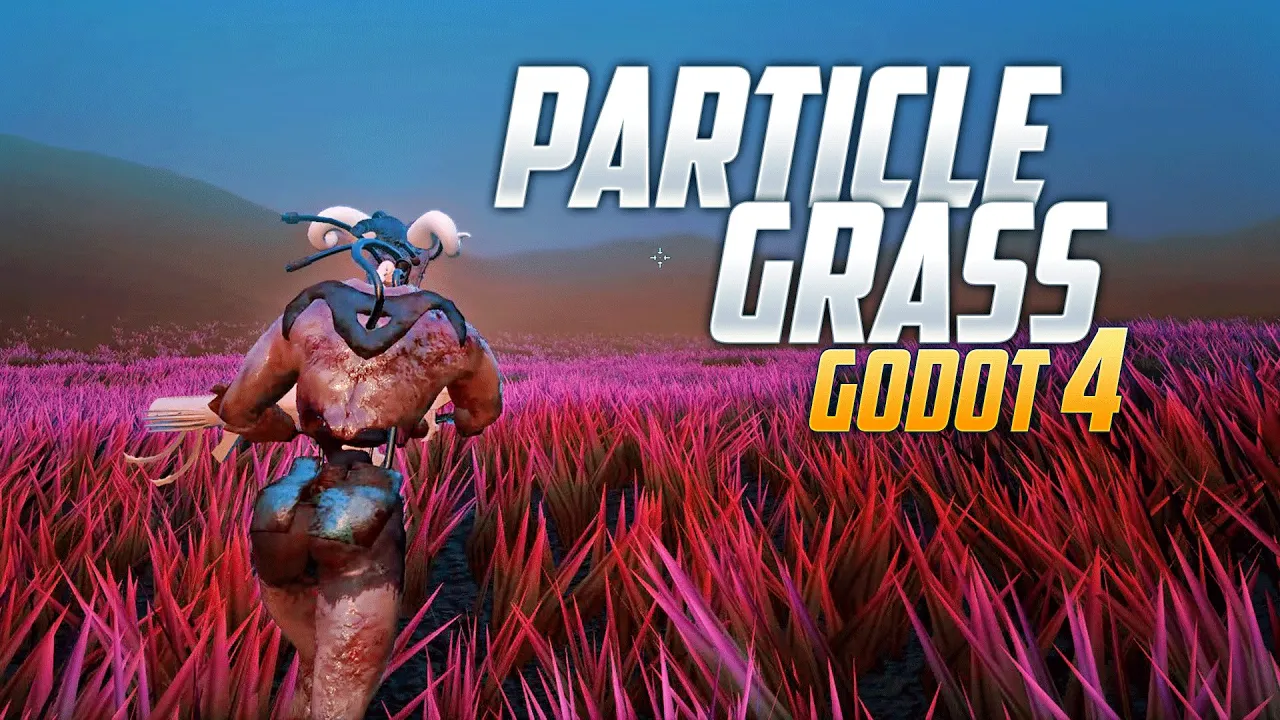



https://i.ytimg.com/vi_webp/YCBt-55PaOc/maxresdefault.webp image/svg+xml image/svg+xml image/svg+xml LOADING VIDEO LADE VIDEO media-video video media-image img media-video video media-image img parent:media-gallery Particle Grass Particle Grass 10:27 Play on YouTube Devmar YouTube Channel DevMar explains how to render masses of dynamic grass. He's using a particles shader to place grass that spawns dynamically around the player. This is one the most performant methods to render a lot of grass or foliage. LOADING VIDEO LADE VIDEO media-video video media-image img media-video video media-image img parent:media-gallery Particle Grass Particle Grass 10:27 Play on YouTube Devmar YouTube Channel DevMar explains how to render masses of dynamic grass. He's using a particles shader to place grass that spawns dynamically around the player. This is one the most performant methods to render a lot of grass or foliage. https://i.ytimg.com/vi/kGtSHFeMqTo/maxresdefault.jpg image/svg+xml image/svg+xml image/svg+xml LOADING VIDEO LADE VIDEO media-video video media-image img media-video video media-image img parent:media-gallery Creating Grass Creating Grass 21:05 Play on YouTube Wojtek Pe YouTube Channel Wojtek Pe on Twitter Creating manually own custom grass with Blender and using it in Godot. This technique involves modelling high poly grass blades which are then baked to cards in Blender and imported to Godot. LOADING VIDEO LADE VIDEO media-video video media-image img media-video video media-image img parent:media-gallery Creating Grass Creating Grass 21:05 Play on YouTube Wojtek Pe YouTube Channel Wojtek Pe on Twitter Creating manually own custom grass with Blender and using it in Godot. This technique involves modelling high poly grass blades which are then baked to cards in Blender and imported to Godot.


OPTIMIZATION TECHNIQUES Optimizing grass and foliage requires most of the time specialized shaders. Either for creating a particles shader in Godot to be able to place meshes dynamically in the world or spatial shaders with a lot of modification in the vertex function.
Below you find Karl's blog, which explains some techniques in great detail. He also presented at GodotFest and showed some insights and results, which is available on YouTube.


::/_graphics/labs/godot/hexaquo-at-icon.jpg image/svg+xml image/svg+xml image/svg+xml LOADING VIDEO LADE VIDEO media-video video media-image img media-video video media-image img parent:media-gallery Hexquao Hexquao Website Grass Rendering Part 1:Theory Grass Rendering Part 2:Full-Geometry Grass Grass Rendering Part 3:Animating and Interacting Grass Rendering Part 4:LOD-Ticks and Infinite Plains Blog about 3D landscape visualization with Godot by Karl. LOADING VIDEO LADE VIDEO media-video video media-image img media-video video media-image img parent:media-gallery Hexquao Hexquao Website Grass Rendering Part 1:Theory Grass Rendering Part 2:Full-Geometry Grass Grass Rendering Part 3:Animating and Interacting Grass Rendering Part 4:LOD-Ticks and Infinite Plains Blog about 3D landscape visualization with Godot by Karl. https://i.ytimg.com/vi/U2nBOOR_PP4/maxresdefault.jpg image/svg+xml image/svg+xml image/svg+xml LOADING VIDEO LADE VIDEO media-video video media-image img media-video video media-image img parent:media-gallery Grass Optimizations Grass Optimizations 15:00 Play on YouTube Godot's YouTube Channel Karl gives a talk about landscape visualization at GodotFest with an in-depth talk about grass. LOADING VIDEO LADE VIDEO media-video video media-image img media-video video media-image img parent:media-gallery Grass Optimizations Grass Optimizations 15:00 Play on YouTube Godot's YouTube Channel Karl gives a talk about landscape visualization at GodotFest with an in-depth talk about grass.


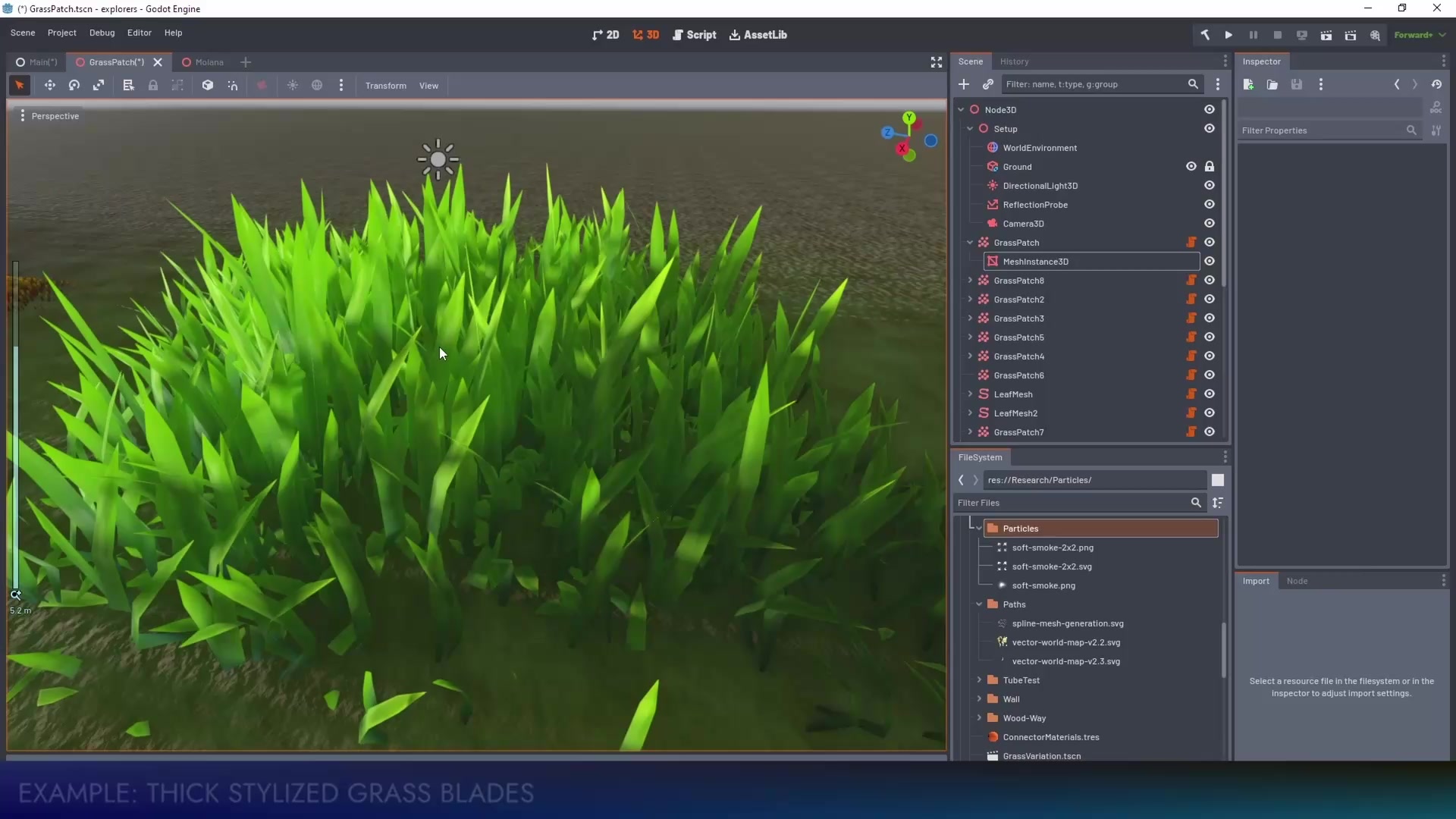
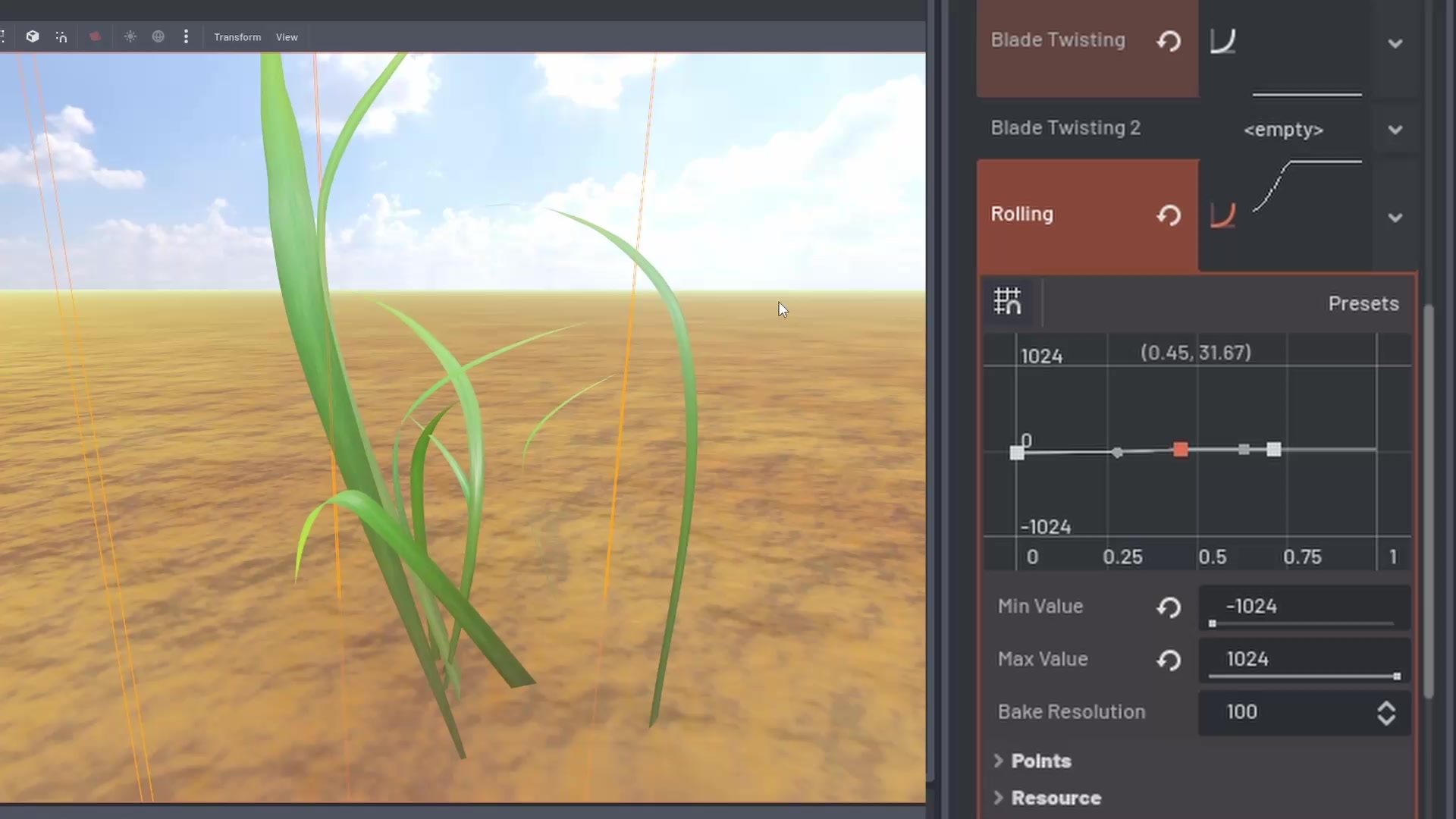
PROCEDURAL GRASS PATCHES The Rokojori Action Library contains a GrassPatch node, which generates grass patch models. It allows a lot of customization like triangle size, width, height, bending, rolling, placing, LODs and a lot of more. If you want quickly to create grass patches, this could be the right tool. Combined with a MultiBaker using a FlatBaker cards can be baked directly in Godot. There are also free baked grass assets, created with those tools in the store.

FOLIAGE RENDERER To render grass and foliage the FoliageRenderer can be used. It has a lot features to render multiple layers of grass and foliage type. It creates automatically materials that can fade and adapt to terrain/height maps.


LOADING VIDEO LADE VIDEO LOADING VIDEO LADE VIDEO LOADING VIDEO LADE VIDEO

Grass Patch: Examples, Grass: Patch Editing, Foliage Renderer: Far/Close


media-gallery#short-videos media-video video media-gallery#short-videos media-video video
TO GODOT TUTORIALS


All social media brands are registrated trademarks and belong to their respective owners.


CONTACT IMPRINT TERMS OF USE PRIVACY © ROKOROJI ® 2021 rokojori.com
We are using cookies on this site. Read more... Wir benutzen Cookies auf dieser Seite. Mehr lesen...