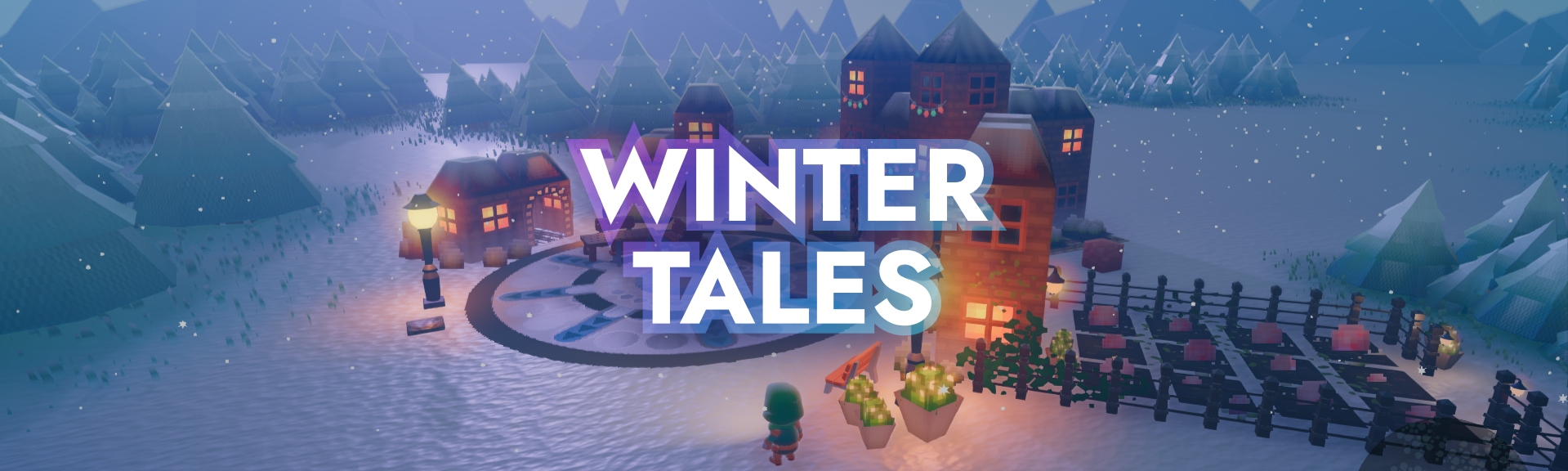
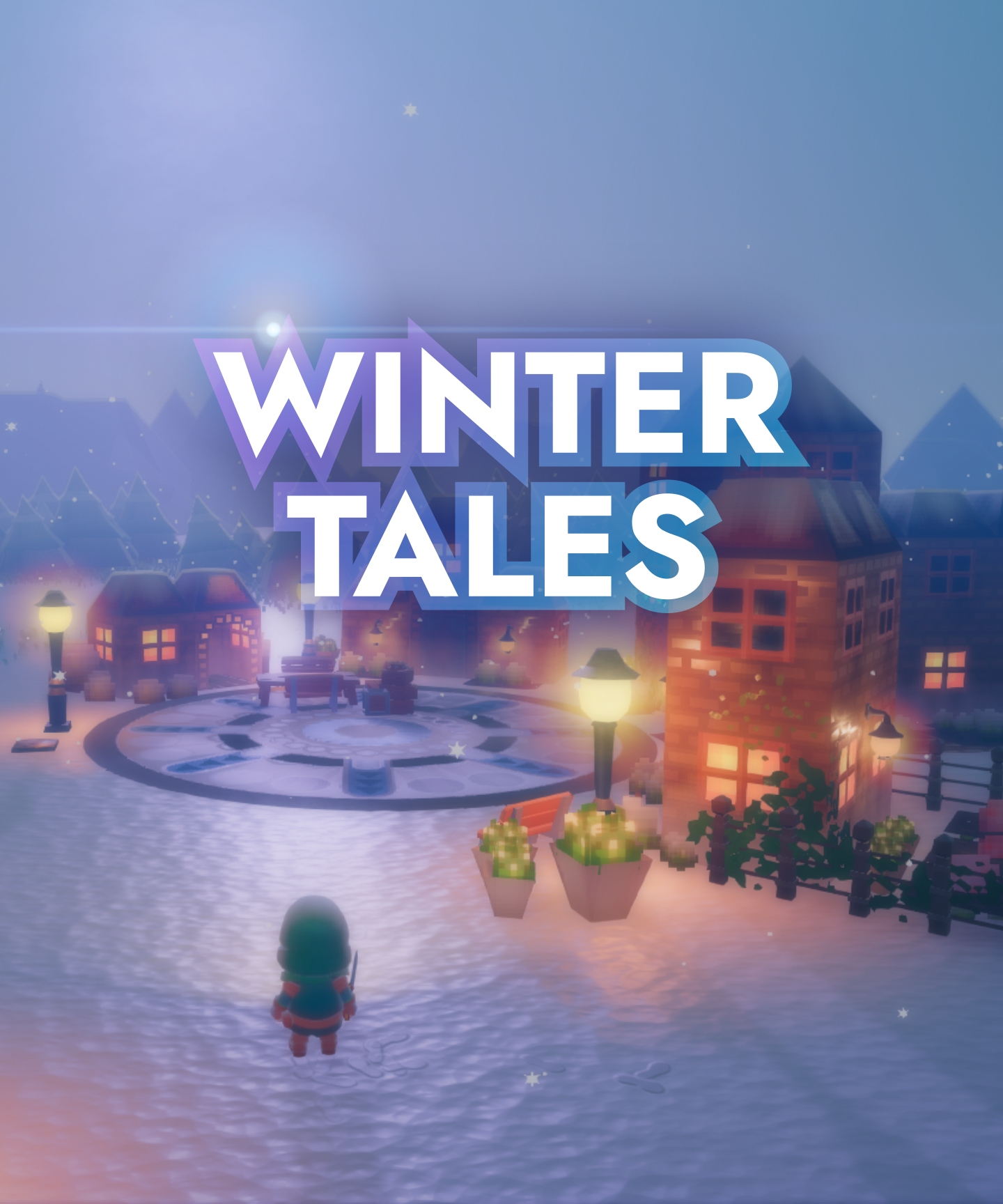
WELCOME TO WINTERTALES
Welcome to WinterTales and find all the lost presents!
--:--/--:--
Download the game and try it on your own:
WinterTales (Game, Windows)
EXAMPLE PROJECT
WinterTales uses the Rokojori Action Library and demonstrates how to use it for a third person game.
The project uses the following nodes:
Node (Pointable): POINTING
AreaCaster: AreaCaster (cast all hits of an area and filter them)
Pointer: Pointer (point at pointable nodes)
Pointable: Pointable (can be pointed at by pointers)
Node (Interactable): INTERACTION
Interactor: Interactor (interacts with pointed things)
Interactable: Interactable (can be interacted by interactors)
Grabber: Grabber (grabs grabbable things)
Grabbable: Grabbable (can be grabbed by grabbers)
Collider: Collider (collides collidable things)
Collidable: Collidable (can collide with colliders)
Collector: Collector (collects collectable)
Collectable: Collectable (can be collected by collectors)
Node (SensorGroup): INPUTS
SensorManager: SensorManager (multiple inputs, devices)
Sensor: Sensor (kb/mouse/controller/virtual)
Node (UI): UI
UI: UI (manages layouting, dynamic font size etc)
UIRegion: UIRegion (flow layouter)
UIImage: UIImage (for backgrounds)
UIText: UIText (localized text)
Node (LocalizedString): LOCALIZATION
LocaleManager: LocaleManager (manages locales/language)
LocaleText: LocaleText (localized text content)
Node (Flash): ACTIONS/(EFFECTS
Highlight: Highlight (for pointed objects)
Flash: Flash (lighten objects up, make objects blink)
Shake: Shake (move objects slighlty to show impact)
TweenMaterial: TweenMaterial
TweenMusicVolume: TweenMusicVolume
TweenPostProcessVolume: TweenPostProcessVolume
TweenColor: TweenColor
Node (CameraManager): CAMERA
CameraManager:CameraManager (manage multiple cameras)
ThirdPersonCamera: ThirdPersonCamera (follows/orbits around player)
LookAtCamera: LookAtCamera (looks at a target)
PostProcessVolume: PostProcessVolume (mixing fog styles)
EditorCamera: EditorCamera (for debugging)
INSTALLATION
You can install the project with the godot project download or via git. The installation will enable the Rokojori Action Library
and then initialize/fix some shader issues of Godot.
2. Open the project, build and enable the Rokojori Action Library addon (step 3 & 4 from the installation guide)
3. Once the project loaded, in the File System open res://Main/Main.tscn
4. In the Scene Hierarchy,
select the Main ▸ App ▸ RenderingManager: Rendering Manager
5. In the Inspector press
Update Shaders
B) VIA GIT
1. Clone the repo with submodules:
{path/of/project}:$gitclone--recurse-submoduleshttps://community.rokojori.com/Rokojori/winter-tales.git
2. Open the project, build and enable the Rokojori Action Library addon (step 3 & 4 from the installation guide)
3. Once the project loaded, in the File System open res://Main/Main.tscn
4. In the Scene Hierarchy,
select the Main ▸ App ▸ RenderingManager: Rendering Manager
5. In the Inspector press
Update Shaders
All social media brands are registrated trademarks and belong to their respective owners.


 NEWS
NEWS
 STORE
STORE
 TUTORIALS
 ROKOJORI ACTION LIBRARY




 NEWSLETTER