NEWS
COMMUNITY
NEWS
COMMUNITY
 STORE
STORE
 TUTORIALS
 ROKOJORI ACTION LIBRARY
 TUTORIALS
ROKOJORI ACTION LIBRARY
ROKOJORI ACTION LIBRARY TUTORIALS



 ROKOJORI
 NEWSLETTER
SIGN UPLOGIN
LOGOUTNEWS
COMMUNITY
STORE
TUTORIALS
ROKOJORI ACTION LIBRARY
ROKOJORI ACTION LIBRARY TUTORIALS
NEWSLETTER
SIGN UPLOGIN
LOGOUTNEWS
COMMUNITY
STORE
TUTORIALS
ROKOJORI ACTION LIBRARY
ROKOJORI ACTION LIBRARY TUTORIALS

While Actions are convenient to execute things
This can be waiting for things to load or animations that need to end or simple waiting
for an user input.
Whenever a simple
In a nutshell: SequenceActions extend Actions, so that they have a
Although this might be already useful, it's actually not that relevant in an ActionList.
Since an ActionList executes every child Action immediately, they still start at the same time and only their end points differ:
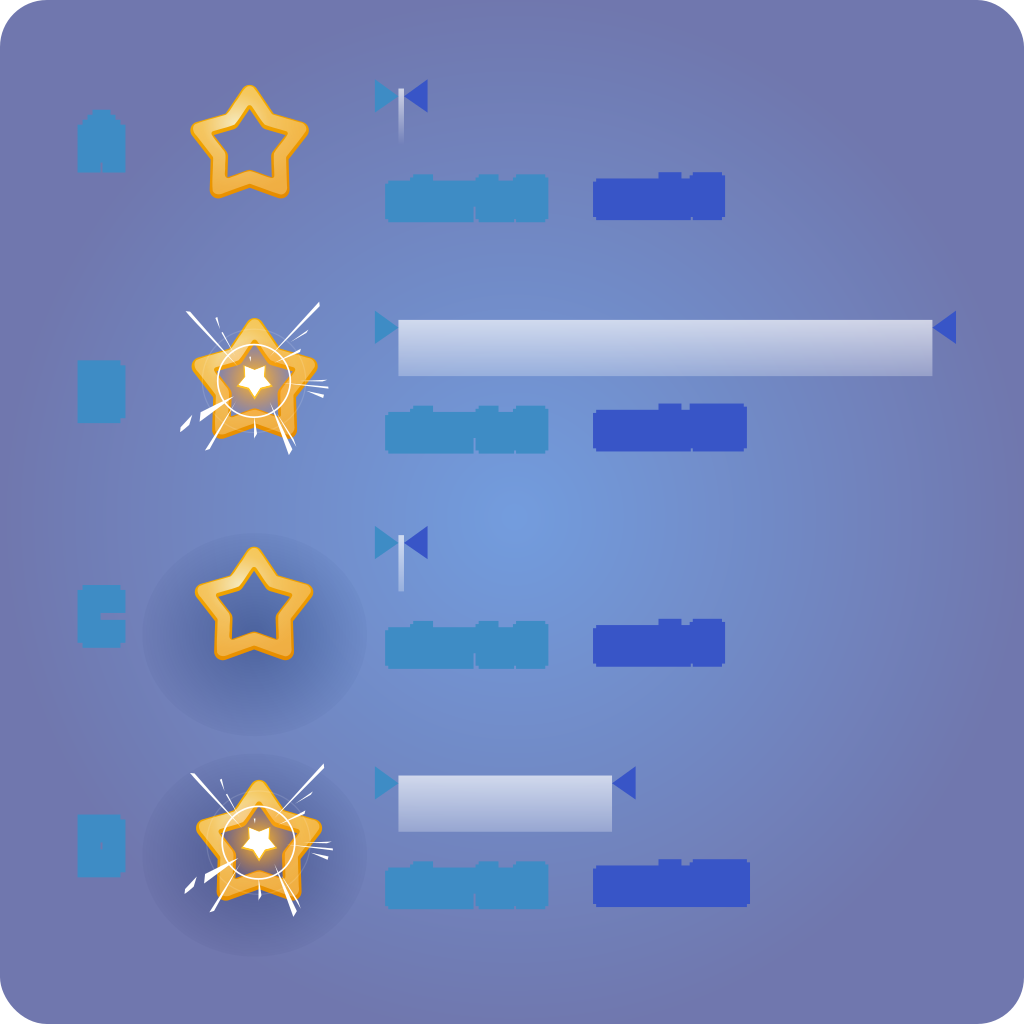

Isn't the name excellent, SequenceActions and ActionSequence!
So what does an ActionSequence?
An ActionSequence executes all child Actions and child SequenceActions
in
In programming terms it's similar to
The advantage over animations is that the timing does not to be fixed, but can depend on different factors than time.
But... Is it enough?
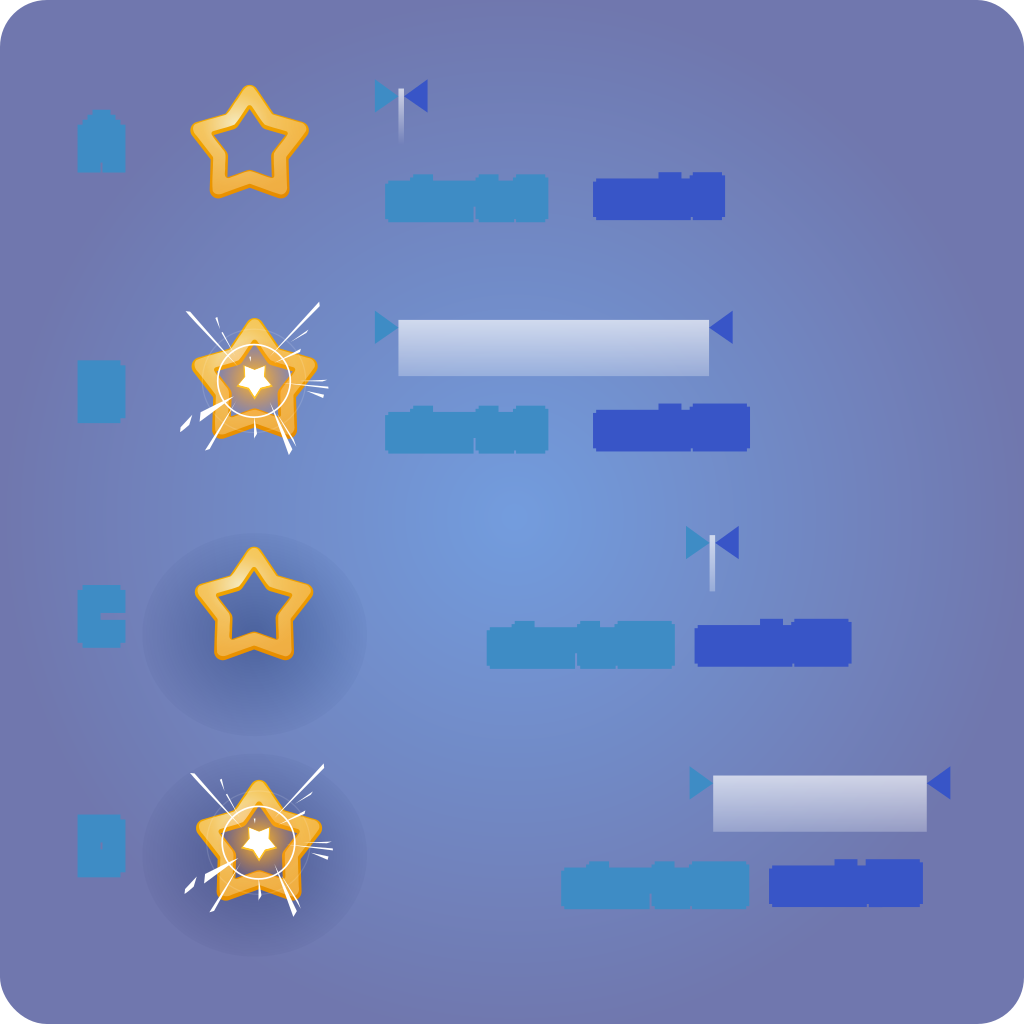
So what if want to start Actions immediately, but you want to wait until all are finished?
The normal ActionList
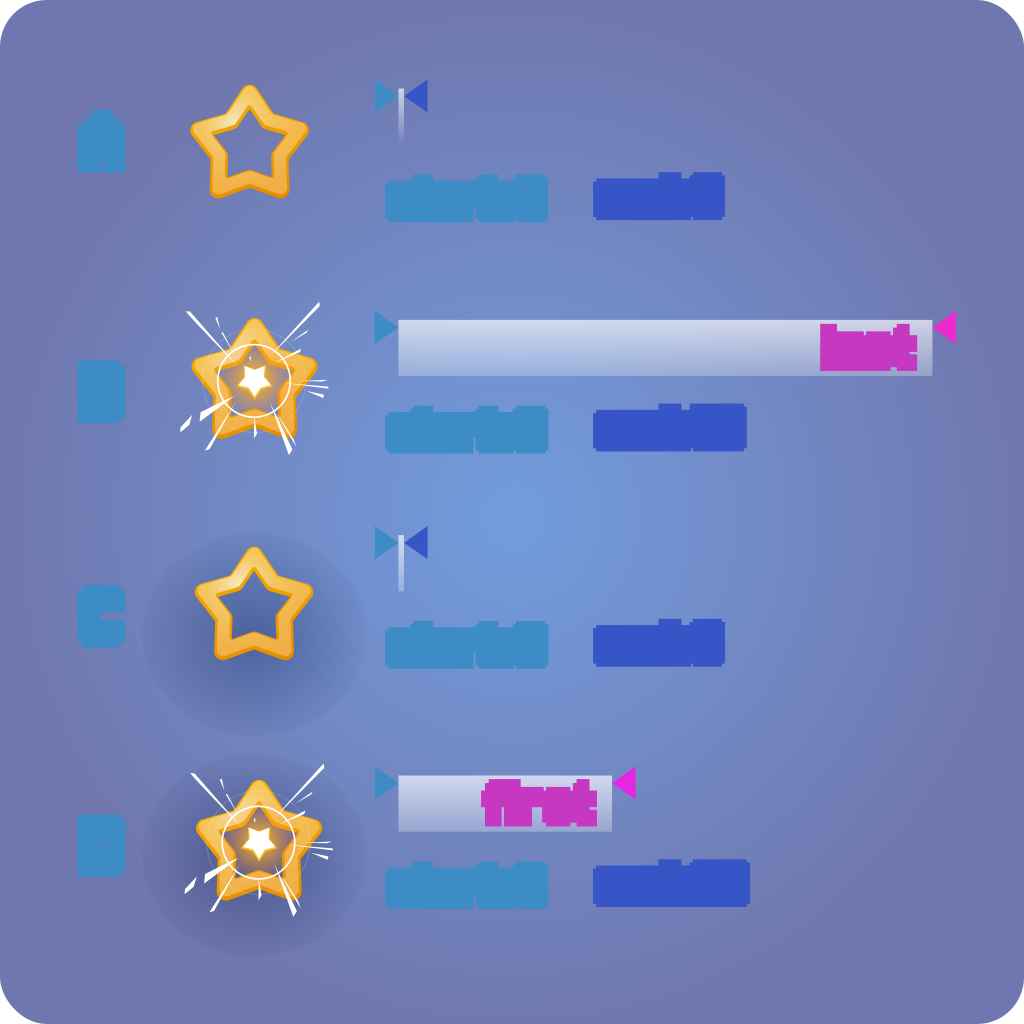
In this case you need a Parallel. It comes with two modes: First_Finishes_Sequence and
Wait_For_All_To_Finish.
With this two modes, you can either continue a sequence after the first that ended the execution
or wait until all other SequenceActions are ready.
By the way, it has also a toggle to ignore normal Actions, when using First_Finishes_Sequence.
SequenceActions are a bit more complex to write than Actions. They still
happen in the one function:
But they have two new methods that need to be called to make them work.
To start a SequenceAction use this and store the id:
And to end it, pass the returned id to this method:
It's the same for GDScript, just extend RJ_SequenceAction and than implement the method:
Also use the methods, but use the passed SequenceAction to call them.
To start a SequenceAction call the method and store the id:
And to end it, pass the returned id:
C#:
GDScript:
While Actions start immediately and never have the problem to identify which ones are finished,
SequenceActions have to know which sequences started and more
The strength of SequenceActions is that
If you don't want to support a parallel processing, than before you call DispatchStart
The ActionSequence has already a flag
Keep this in mind, when you want to support
This usually means, that when you cache something you have to use a closure to
Alternatively, you can store the properties of running SequenceAction calls in
Built-in SequenceActions always support multiple processing.