NEWS COMMUNITY STORE TUTORIALS SIGN UP LOGIN LOGOUT ROKOJORI NEWSLETTER SIGN UP LOGIN LOGOUT NEWS COMMUNITY STORE TUTORIALS TOGGLE FULLSCREEN VOLLBILD AN/AUS / NOTES END

This presentation for the Godot Con 2026 in Amsterdam is about "Rokojori Action Library - Actions: Next-Level-Signals for Signals"


HOI! IK BEN ROKOJORI.

- App & Game Dev from Berlin
- Godot Meetup Berlin
- Released Dash Cup Kickers as Indie
- Website & Tutorials around Game Dev and Godot
- Developing the Rokojori Action Library

ACTIONS
GAME LOGIC
RESPONSIVE UI

VFX/SHADERS
PROCEDURAL
TOOLS & MORE

- Game Dev Framework
- Covering lots of areas

HISTORY:
THE PROBLEM

What needs to be solved?

DASH CUP KICKERS VFX


--:--/--:--

- Arcade type game
- Many different tricks
- Different shots
- Modifiers & boosts

HOW TO DEVELOP
VARYING VFX ?

- Signals but what then?
- Animations?
- One class for all?
- For each type a class?


ACTIONS!

Actions are the solution!

WHAT IS AN ACTION ?

- Not an Input Binding
- Not a character/state machine action
- Not a signal replacement
- Not C# Action
- Rokojori Action

namespace Rokojori; [Tool, GlobalClass] public partial class Action:Node { public virtual void Trigger() { } }
NODE WITH
ONE TRIGGER

- Godot Node (not 2D/3D) as Function
- One method named Trigger()
- No parameters

MEMBERS ARE PARAMETERS

- Members parametrize the action
- Can be primitive like numbers
- But also references to nodes
- Or resources

namespace Rokojori; [Tool, GlobalClass] public partial class PlaySound:Action { [Export] public AudioStreamPlayer3D player; public override void Trigger() { player.Play(); } } PlaySound player: AudioStreamPlayer3D = AudioStreamPlayer3D "Hit Sound"
PLAY SOUND

- PlaySound: AudioStreamPlayer3D to play a sound

namespace Rokojori; [Tool, GlobalClass] public partial class PlayParticles:Action { [Export] public GPUParticles3D particles3D; public override void Trigger() { particles3D.Restart(); } } PlayParticles particels3D: GPUParticles3D = GPUParticles3D "Hit Particles"
PLAY PARTICLES

- PlayParticles: GPUParticles3D to run a particle system

USAGE IN NODES

- Nodes add Actions as exportable members
- Nodes decide through logic when to call it

namespace Rokojori; [Tool, GlobalClass] public partial class Enemy:CharacterBody3D { [Export] public Action onHit; public override void _Process( double delta ) { if ( IsHit() ) { onHit.Trigger(); } } } Enemy onHit: Action = PlaySound "Play Hit Sound"
ENEMY EXAMPLE

- Enemy connects to OnHit
- OnHit contains Play Hit Sound


ONLY ONE ACTION?

- Is one action enough?


ACTION LIST !

- One action to trigger actions
- Child actions are triggered automatically

CharacterBody3D: Enemy MeshInstance3D: Graphics Node3D: Sounds AudioStreamPlayer3D: Hit Sound Node3D: Particles GPUParticles3D: Hit Particles CollisionShape3D: CollisionShape ActionList: On Hit (ActionList) PlayParticles: Play Hit Particles PlaySound: Play Hit Sound ON HIT EXAMPLE


Enemy onHit: Action = ActionList "On Hit (ActionList)"

On Hit (ActionList) actions: Action = Action "Action[] (size: 0)" triggerDirectChildren: bool = true

- Enemy connects OnHit Action
- OnHit contains PlayXYZ

HISTORY:
DASH CUP KICKERS
SUPER SHOT

- Special extra shot in Dash Cup Kickers

DASH CUP KICKERS SUPER SHOT
SUPER SHOT

--:--/--:--

- Has multiple delays
- Can't be animated, depends on input
- Needs dynamic async sequencing

HOW TO DEVELOP
SEQUENCABLE VFX ?

- Immediate effects not enough
- Effects need to be sequencable


SEQUENCE ACTION

- Voila!

ACTION WITH
VARIABLE END

- Extending actions
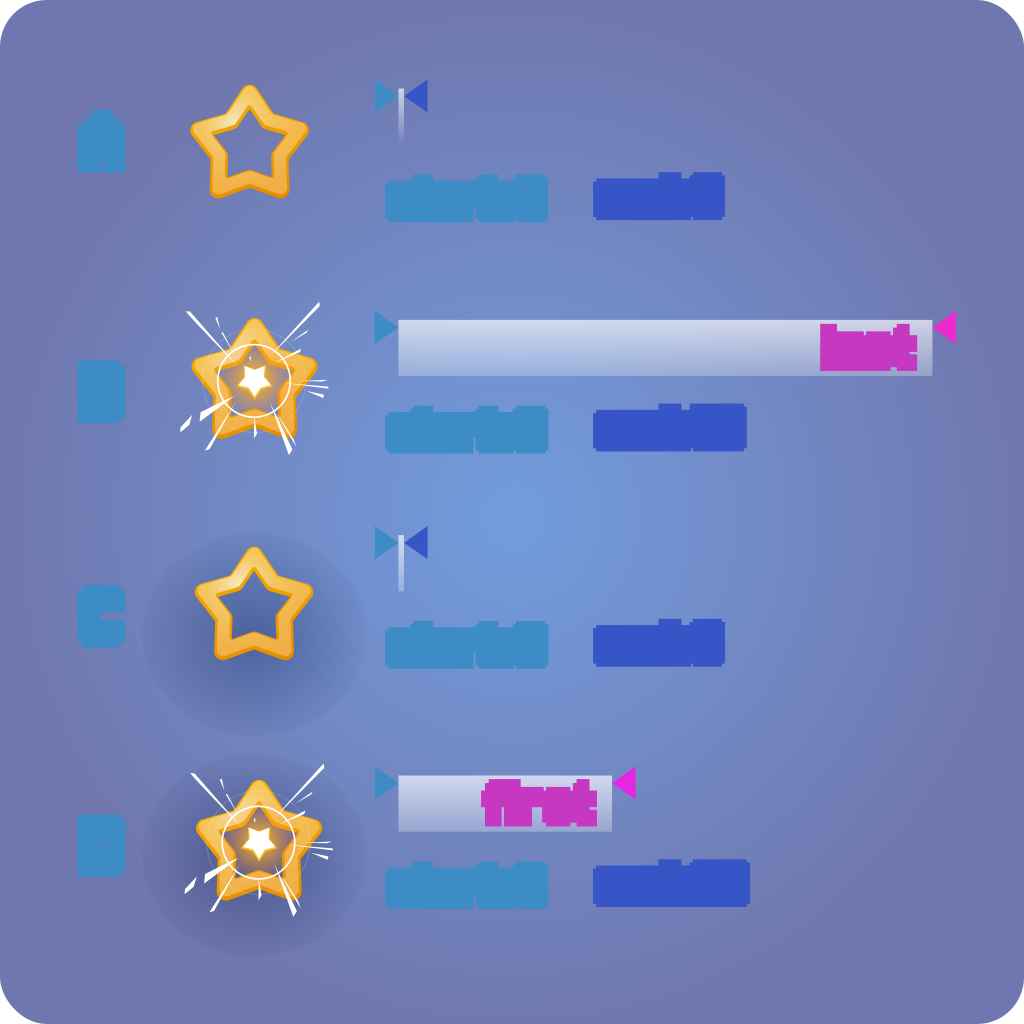
- DispatchStart and DispatchEnd

Delay duration: float = 1.0 timeline: TimeLine = TimeLine "Game Timeline"


FlashVFX preset: FlashPreset = FlashPreset "White Blinking Flash.tres" targets: Node = Node3D "Graphics" includeChildren:bool = true


Shake shakeEffect: ShakeEffect = ShakeEffect "Big Shake.tres" targets: Node = Node3D "Graphics"
DELAY

FLASH VFX

SHAKE

- Delay: For pausing, waiting
- Flash: Blinking or hit impacts
- Shake: Animate movement


ACTION LIST FOR
ASYNC SEQUENCES?

- ActionList for immediate execution


SEQUENCE & PARALLEL

- Two containers for sequencing
- Executing child sequence actions
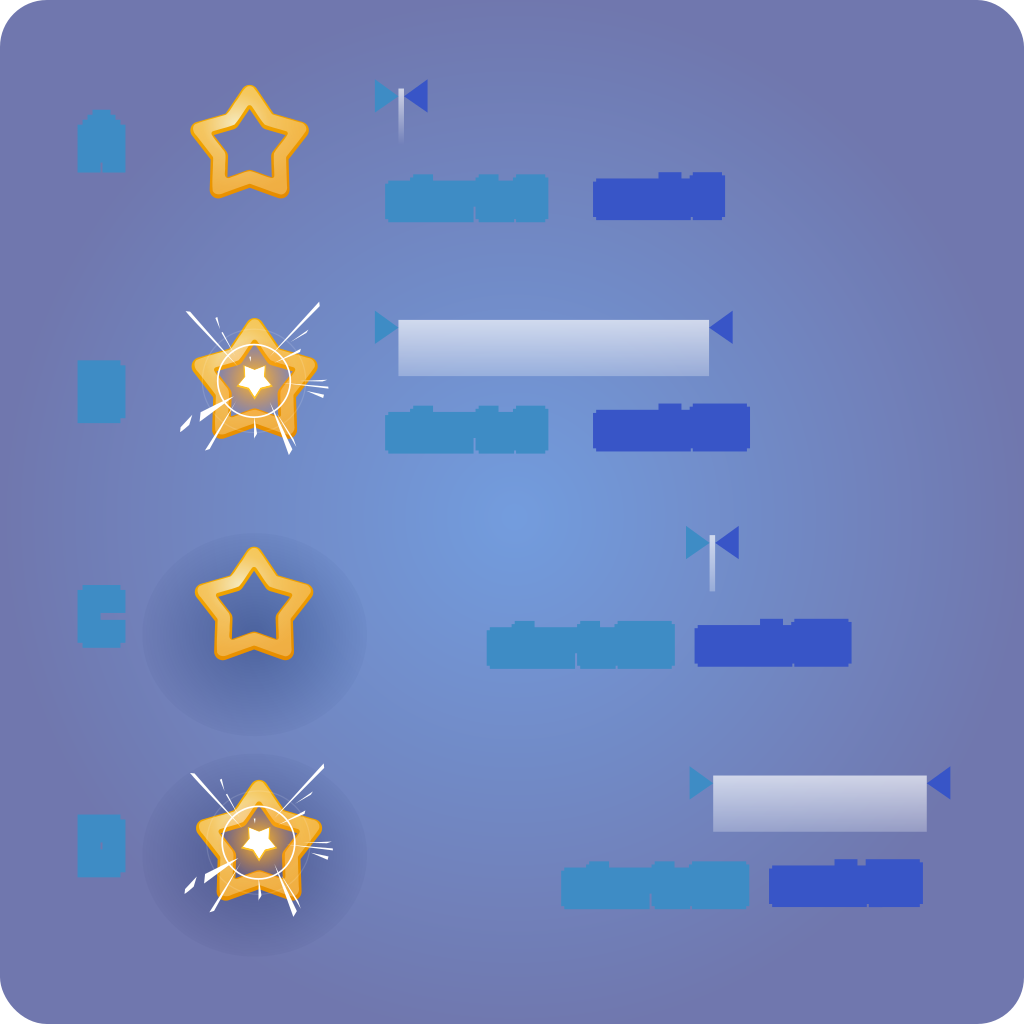
SEQUENCE
PARALLEL

- Sequence:One by one
- Parallel:Wait for first/last

CharacterBody3D: Enemy MeshInstance3D: Graphics Node3D: Sounds AudioStreamPlayer3D: Hit Sound AudioStreamPlayer3D: Shoot Sound AudioStreamPlayer3D: Death Sound Node3D: Particles GPUParticles3D: Hit Particles GPUParticles3D: Shoot Particles GPUParticles3D: Death Particles CollisionShape3D: CollisionShape ActionList: On Hit (ActionList) PlayParticles: Play Hit Particles PlaySound: Play Hit Sound ActionSequence: On Death (Sequence) SetPhysicsState: Disable Physics Parallel: At the same time (Parallel) PlayParticles: Play Death Particles PlaySound: Play Death Sound FlashVFX: White Flash VFX Shake: Big Shake Delay: Delay RemoveNode: RemoveNode ON DEATH EXAMPLE


Enemy onHit: Action = ActionList "On Hit (ActionList)" onDeath: Action = ActionSequence "On Death (Sequence)"

On Death (Sequence) actions: Action = Action "Action[] (size: 0)" triggerDirectChildren: bool = true

- Disable Physics
- Parallel effects
- Clean up after a time

SO, WHAT ARE ACTIONS?

SIGNALS ▸ TELL
ACTIONS ▸ DO

- Signals: tells messages
- Actions: executes on events

SERIALIZABLE
COMPOSABLE
SEQUENCABLE
FUNCTIONS

- For orchestration
- Serializable w/o code

VISUAL
HIERARCHAL
ORDERING
CharacterBody3D: Enemy MeshInstance3D: Graphics Node3D: Sounds AudioStreamPlayer3D: Hit Sound AudioStreamPlayer3D: Shoot Sound AudioStreamPlayer3D: Death Sound Node3D: Particles GPUParticles3D: Hit Particles GPUParticles3D: Shoot Particles GPUParticles3D: Death Particles CollisionShape3D: CollisionShape OnSensor: On Shot Pressed ActionList: On Shooting (ActionList) PlayParticles: Play Shoot Particles PlaySound: Play Shoot Sound ActionList: On Hit (ActionList) PlayParticles: Play Hit Particles PlaySound: Play Hit Sound ActionSequence: On Death (Sequence) SetPhysicsState: Disable Physics Parallel: At the same time (Parallel) PlayParticles: Play Death Particles PlaySound: Play Death Sound FlashVFX: White Flash VFX Shake: Big Shake Delay: Delay RemoveNode: RemoveNode

- Not connecting graphs
- Not passing slot
- Order is flow
- Hierarchal organization

MyAction myValue:float(0,1) = 0 myOption:bool = true Action triggerMode: Enum[Only_When_Processing_In_Hierarchy,Always] = Only_When_Processing_In_Hierarchy @ToolButton "Trigger Action in Editor" IN-EDITOR
EDITING
TWEAKING
TESTING

- No additional windows
- Not hiding
- Directly testing tweens

IN-EDITOR EDITING


--:--/--:--

- WinterTales season change

HISTORY:
DASH CUP KICKERS
REPLAY & NETCODE

- Replay needs recorded events
- Netcode needs similar events

Action triggerMode: Enum[Only_When_Processing_In_Hierarchy,Always] = Only_When_Processing_In_Hierarchy @ToolButton "Trigger Action in Editor" NetworkNode networkType: Enum[Never_Networked,Currently_Not_Networked,From_Everybody_To_Everybody,Server_Only,Owned_By_One,Custom] = Never_Networked networkOwner:int = 0 ACTION EXTENDS NETWORK NODE

- All actions networked
- Only one generic RPC

✓ NET SETTINGS

✓ STATIC NODES

✓ NO RANDOMNESS
= EASILY NETWORKABLE

- No special networking needed

CharacterBody3D: Enemy ActionSequence: On Death (Sequence/Synced) SetPhysicsState: Disable Physics Parallel: At the same time (Parallel) PlayParticles: Play Death Particles PlaySound: Play Death Sound FlashVFX: White Flash VFX Shake: Big Shake Delay: Delay RemoveNode: RemoveNode ✓ SYNC ONLY ROOT


On Death (Sequence) actions: Action = Action "Action[] (size: 0)" triggerDirectChildren: bool = true Action triggerMode: Enum[Only_When_Processing_In_Hierarchy,Always] = Only_When_Processing_In_Hierarchy @ToolButton "Trigger Action in Editor" NetworkNode networkType: Enum[Never_Networked,Currently_Not_Networked,From_Everybody_To_Everybody,Server_Only,Owned_By_One,Custom] = Never_Networked networkOwner:int = 1

- For normal lists/sequences
- Only the root needs to be synced

COMPLEX ACTIONS:
SEED + DATA

- Mechanism to prepare before Trigger()
- Depends on Send/Receive

HISTORY:
FAST NETCODE
DEVELOPMENT

- Multiplayer in 1-2 weeks

PROBLEMS?

- There are some

COMMON PROBLEMS & SOLUTIONS
⚠ PROBLEMS✓ SOLUTIONS
DYNAMIC OBJECTSInteractor/interactable pattern
DYNAMIC OBJECTSDedicated action-modifying actions
METHOD WRAPPERSManual/generated actions
INDIRECTIONAvoid! Use object references/singletons
LOGICAvoid! Replace by code units

- Also:In-editor active animation

SUMMARY

AWESOME FOR SEQUENTIAL VFX
GREAT ORCHESTRATION WORKFLOW
SPEEDY AND FUN ITERATIONS
WORKS PERFECTLY IN THE GODOT EDITOR
FOR CODERS AND NON-CODERS

-

HOW TO TRY ACTIONS?


ON YOUR OWN
ACTIONS & ACTION LIST
EASY TO IMPLEMENT
QUICK RESULTS


ROKOJORI ACTION LIBRARY
WEBSITE/EXAMPLE PROJECT
GIT REPOSITORY
ADVANCED ECO SYSTEM

- On your own: Roughly 1hour
- Rokojori Level: Very complex

CoolDown: CoolDown Once: Once RepeatSequence: RepeatSequence OnTick: OnTick OnProcess: OnProcess ActionReference: ActionReference SequenceActionReference: SequenceReference LoadScene: LoadScene SetNodeState: SetNodeState ModulateTimeLineSpeed: ModulateTimeLineSpeed TweenParticles: TweenParticles TweenMaterial: TweenMaterial TweenCompositorVFX: TweenCompositorVFX
ECO SYSTEM

- Often needed types
- Tested

FUTURE:
VERSION 1.0
- DEFINE FEATURES/ROAD MAP
- NETWORKING
- C# IN-EDITOR DOC COMMENTS
GD VERSION
- C#-TO-GD TRANSPILER
- PROJECT CONVERTER
- C#/GD CONVERSION TOOLS
3D GENRES
- PHYSICS ACTIONS
- 3D CHARACTER ANIMATIONS
- NPC ACTION LOGIC
EFFECTS
- LINE RENDER VFX
- PARTICLES VFX
- PROCEDURAL AUDIO
COMPOSITOR
- BLOOM
- TONEMAPPING
- ANTI ALIASING
- MASKABLE EFFECTS

- C# to GDScript Transpiler
- CompositorFX Update
- Networking
FUTURE:

- Swarm Example
- Profiling

ROKOJORI ACTION LIBRARY
ACTIONS: NEXT-LEVEL-SIGNALS
Website
This Slides
Example
Tutorials & Doc
Repository

https://rokojori.com/en/news/blogs/godot-con-2026/overview

DANK JE WEL!

- Thank You!


All social media brands are registrated trademarks and belong to their respective owners.


CONTACT IMPRINT TERMS OF USE PRIVACY © ROKOROJI ® 2021 rokojori.com
We are using cookies on this site. Read more... Wir benutzen Cookies auf dieser Seite. Mehr lesen...