Rokojori Action Library is now on version v0.6! ::/_graphics/rokojori-action-library/rj-action-library-header-icon.jpg NEWS COMMUNITY STORE TUTORIALS SIGN UP LOGIN LOGOUT ROKOJORI NEWSLETTER SIGN UP LOGIN LOGOUT NEWS COMMUNITY STORE TUTORIALS TOGGLE FULLSCREEN VOLLBILD AN/AUS image/svg+xml image/svg+xml image/svg+xml Rokojori Action Library v0.6
Update to version 0.6
image/svg+xml image/svg+xml Update to version 0.6 image/svg+xml


Summary

It has been a long time since the last update and there were 2 reasons: Godot Con 2026 and a big restructuring for the library! This update is packed with a lot of features, but will also break all former projects! Sorry!

But first, get a look on the Godot Con 2026 project that I created to demonstrate the real time VFX editing in the Godot editor without running the game:

--:--/--:-- Look at the Rokojori Action Library Overview or see all v0.6 Issues here at the gitea repository


Godot Con 2026

It was a pleasure to be at the Godot Con 2026! I had the opportunity to give a talk about the library and talked about Next Level Signals. The video for the presentation will be up on YouTube soon.

You can check the slides and the example project in the blog entry for: NEXT LEVEL SIGNALS


v0.6 ON THE
GODOT ASSET STORE

The Rokojori Action Library v0.6 can be downloaded via the official Godot store.

Leave a review, if you can! I'm happy about every feedback! And if you need support, don't hesitate to contact me on social media or discord.

GODOT ASSET STORE


ROKOJORI ACTION
LIBRARY RESTRUCTURING


Big Library

The library has a lot of things that it can be used for and so naturally, all lot of code is needed make those features available. From math to geometry, parsers, lexers, data structures, containers and of course extensions.

This is good thing, because it ensures that all components are working together. But as some users noted during testing the library: It is a lot.


Extracting Core

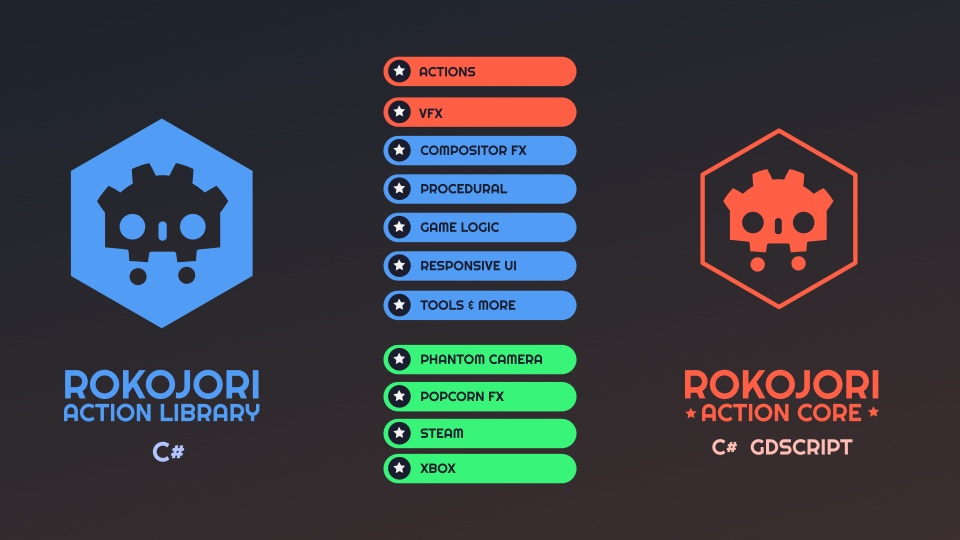
So why not extracting the core? Well, I have good news for you! In the next version there will be additionally a core version, that mainly includes everything needed to execute an Action and the most important VFX.

This includes Sequence Parallel Delay and TimelineManager and actions like PlaySound or PlayParticles .

For the transpilation, overloaded functions had to be renamed as well as some classes like Timeline (changed case of l) and Sequence (shortened from ActionSequence)
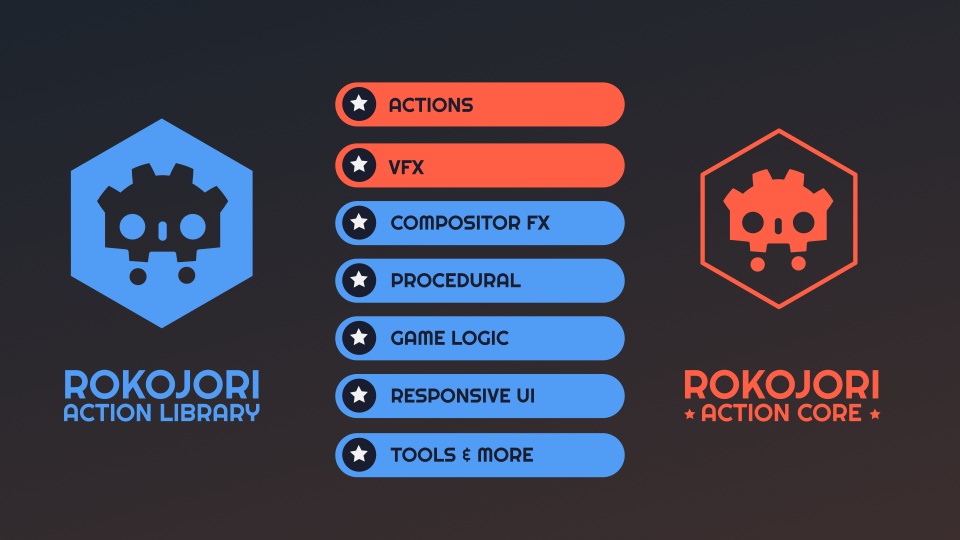
Only actions and VFX are included in core Actions and VFX will be available in both version, but all the other systems will only be in the big library version. However, the source is written in a way, where you can just add the full library back when you need it. It is basically separated by #ifdef ROKOJORI_ACTION_CORE instructions (in C#).


Transpling C# to GDScript

The exciting part: There will be a GDScript only version! I have written a transpiler that transpiles C# to GDScript. It still in an experimental phase but some early prototypes work very well.

This means there will be 3 versions:

Rokojori Action Library (all features, only C#)
Rokojori Action Core C#
Rokojori Action Core GDScript


Automatically converting from one to the other will be maybe possible in the future, too. But for now, the focus is to stabilize both core versions.
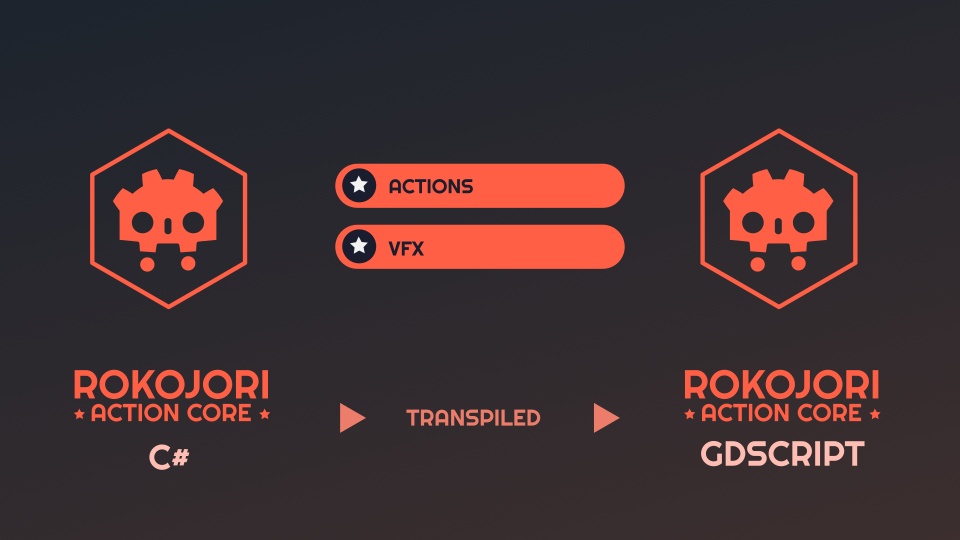
A custom transpiler generates the GDScript version from C#


Better Doc and More Modules

The Rosyln framework is used for the transpilation. The plan is to make the transpiler available to everybody once the workflow is established with the export of the core, but this will take a while. I plan to give some insights about how I solved some problems for the porting.

Also there's a plan now, how to integrate other addons and libraries. When possible they will be integrated with the core components, so that there's not too much dependencies.

Some modules that are planned are Steam SDK and XBox SDK. But maybe also Phantom Camera, PopcornFX and FMOD.


Line VFX --:--/--:-- Stress testing Godot with a lot of line segments for VFX.

LineVFX is ideal for VFX and has the possibility to change lines-like objects dynamically.

It can use different algorithms like a generator that references a Node3D to grow depending on distance to the last point.
The specifics of the algorithms are defined in a LinePreset, which can be composed by a LinePointGenerator to generate point data or a LineMeshGenerator to generate the mesh:

ChildPositionsAutoLine
Use children for the line
FollowAutoLine
Follow an object
ManualAutoLine
Pass points manually, orientation is automatic
CustomLinePointList
Pass points and orientation manually

CustomMeshGenerator
Use one mesh as segment
CylinderMeshGenerator
Use a cylinder mesh
RandomLineMeshGenerator
Use multiple meshes randomly

--:--/--:-- A RandomLineMeshGenerator with FollowAutoLine

It uses a shader that gets a coordinate for the whole line but also for the segment. Point and orientation interpolation can be changed inside the shader from linear to rational cubic bezier.

The development had to be interrupted for the GodotCon, so some features like better auto orientation options are moved to a next release.


BETTER AND FASTER UI!

The Rokojori UI - which is a set of very rich, responsive and flexible UI components - has another update: UI Expression Variables! No more repeating magic values!

And what can you do with variables? Maybe headers that are aligned by custom amount for your Game Settings? Exactly, the library can generate UI nodes automatically for your settings you define as resource!

--:--/--:-- Showing the UI settings template that instantly enables to edit the settings.

App Settings & UI Settings Generator

AppSettings is a resource based data class, which has multiple AppSettingsCategories members. This categories are used by the UIAppSettingsGenerator to create tabs and pages for the settings.

The entries of the categories are localizable settings, that define in which values the setting can have and how it is applied. A lot of predefined settings are available so that usually only a fraction of the work has to be done:

AudioBusSetting
CompositorEffectSetting
ResolutionScalingSetting
UIFontScaleSetting

--:--/--:--


UI Expression Variables

With variables, expressions can use reusable variable definitions. This is useful for components that don't need to share their layout with another component, because it would make an awkward hierarchy.

This can be used also for default width, heights, offsets and margins for basic components. They are defined in a UI node and can be used in UINumber members

--:--/--:--


WINTERTALES UPDATE

WINTERTALES got of course an update for v0.6 including the new settings. A big part was the refactoring to make it work with the newest version. WINTER TALES OVERVIEW

--:--/--:--


RELATED TOPICS
JUICE & TWEENING
Polishing Game Feel
NEXT LEVEL SIGNALS
Godot Con 2026 Talk
UPDATE v0.5
Previous Update
TO BLOG OVERVIEW


All social media brands are registrated trademarks and belong to their respective owners.


CONTACT IMPRINT TERMS OF USE PRIVACY © ROKOROJI ® 2021 rokojori.com
We are using cookies on this site. Read more... Wir benutzen Cookies auf dieser Seite. Mehr lesen...